Website chat for hotels
Hotel website chat widget with AI that answers 24/7
Greetio's hotel website chat widget answers visitors from your knowledge base in your branding, shows live availability and helps guests book direct — before they drift back to the OTA tab. When a person is needed, your team takes over in the same inbox as WhatsApp and Instagram.
- Installs with one code snippet
- AI answers from your hotel data
- Human handoff to your team
Visitors leave when a question hangs
Your website carries your most booking-ready traffic — and gets the least attention after 18:00.
A booking question at 22:40, nobody to answer
A visitor compares your Superior room with an OTA listing in the next tab and asks about parking for Friday. No answer within minutes — and the booking, with its commission, goes to the OTA.
Reception can't staff a chat desk
Your front desk is checking guests in and answering the phone. Sitting in a website chat all evening was never realistic — so the chat goes quiet exactly when visitors browse.
Generic live chat is a contact form in disguise
Offline hours and "leave your details, we'll get back to you". By the time someone replies next morning, the guest has booked elsewhere — a chat that doesn't answer is worse than no chat.
Chat tools that know nothing about your hotel
Generic widgets can't say whether the Deluxe is free on Saturday or what breakfast costs. Every real question still ends in a phone call; the chat just delays it.
How live chat for hotels works with Greetio
One snippet — and every visitor question gets an answer grounded in your data.
- 1
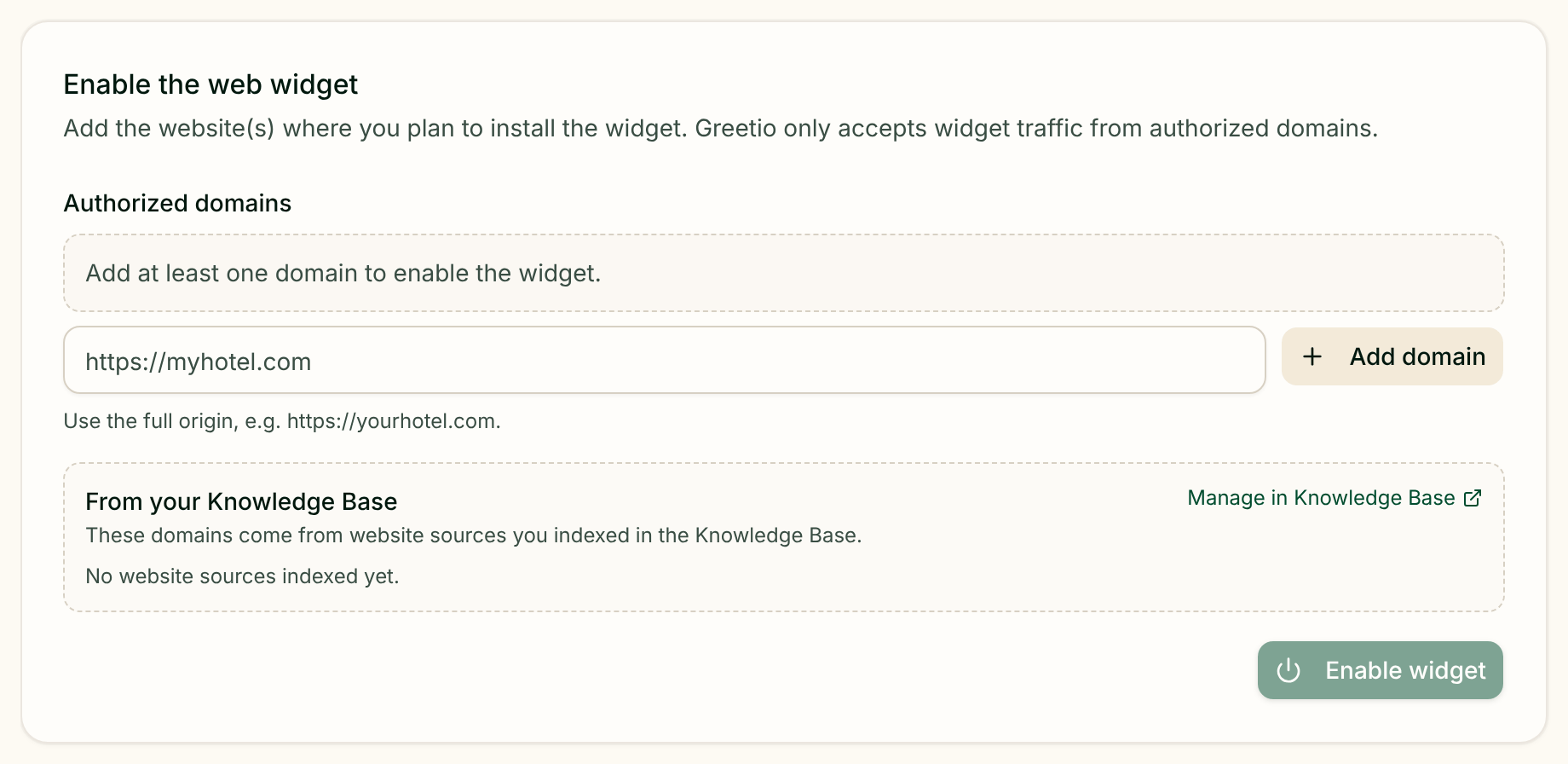
Paste one snippet on your website
Add a short snippet to your site — WordPress, a site builder or custom code — and the widget appears. No developer project required.
- 2
Make the widget yours
Colors, logo and welcome message match your hotel — the chat feels like part of your website, not a third-party bubble.
- 3
AI answers from your knowledge base
Rooms, rates, policies and services — imported from your website or Booking.com listing. Confident answers go out instantly; uncertain ones become drafts for your team.
- 4
Your team takes over when it matters
Complex or sensitive questions land in the shared Greetio inbox with full context, next to WhatsApp, Instagram, Facebook, Telegram and Viber conversations.
AI live chat for your hotel website — real answers, not scripts
Everything the widget says is grounded in your property's data.
Answers from your hotel's data
The AI replies from your knowledge base: room types, rates, services, promotions and policies. It detects the visitor's language and answers in it — 13+ languages.
Live availability and prices in the chat
Availability and rates come from your PMS sync or Greetio's internal calendar — never from guesswork. Prices are verified against your data, and when information is missing, the AI hands over to your team instead of improvising.
From website question to direct booking
When a visitor is ready, the AI checks dates, offers real rooms with real prices, collects contact details and creates a tentative reservation. Your manager confirms it and sends a payment link — a direct booking without OTA commission.
Your brand, your widget
Your colors, logo and greeting — visitors chat with your hotel, not with a generic tool in the corner of the page.
Files, photos and real-time replies
Guests can send documents and photos, and the AI can share pictures of rooms and facilities on request. Conversations run in real time, with typing indicators.
One inbox with all your channels
Website chats land in the same team inbox as WhatsApp, Instagram, Facebook, Telegram and Viber — with quick replies, internal notes and full guest history.
Greetio vs generic live chat tools
Looking for a hotel live chat alternative to Tawk.to or Intercom-style widgets? Here's the difference.
| Generic live chat | Greetio webchat | |
|---|---|---|
| Who answers at night | Nobody — the widget shows "We're offline" | AI answers 24/7 from your hotel data |
| Rates and availability | An agent looks them up elsewhere, if anyone is online | Live prices and availability, straight in the chat |
| When the question is hard | "Leave your email" — a lead form fallback | Handoff to your team with full context and a ready draft |
| Booking a room | A link to the booking engine, and hope | Assisted booking: real rooms, tentative reservation, manager confirms |
| Pricing model | Per agent seat, growing with your team | From €149/mo as part of the Greetio AI inbox |
22:40 on a Tuesday: a booking question in the website chat
The visitor is on your Rooms page, an OTA tab open next door.
- Tentative reservation created for the manager to confirm
- Parking answer served from the knowledge base — source visible to your team
- Conversation and guest profile saved in the shared inbox
Illustrative conversation. The AI only quotes rooms, rates and availability that exist in your data — and escalates to your team when it isn't confident.
Want to see Greetio on your property?
Three fields, and we'll show how it works at your hotel.
Made for the page where guests decide
Hotels on Greetio answer most repetitive website questions without the front desk and keep every AI reply traceable to a knowledge-base source.
- Most repetitive visitor questions answered without staff
- Every AI reply traceable to your knowledge base
- Money and refund questions always go to a person
Our website chat used to be a contact form with a different name. Now visitors get prices and availability straight away, and my team only steps in when the conversation really needs a person.
Hotel website chat widget — frequently asked questions
Paste one short code snippet into your site — WordPress, site builders and custom-built pages all work. In the onboarding you pick the widget's colors, logo and greeting to match your brand, and import hotel knowledge from your website or Booking.com listing. A basic launch fits in one day.
No. The AI answers confident questions from your knowledge base at any hour. Uncertain replies become drafts for your team, and payments or refunds always escalate to a person. You choose the autopilot mode — from drafts-only to automatic replies above a confidence threshold.
You set the confidence thresholds. High-confidence answers — parking, breakfast, check-in times, room details — go out automatically. Ambiguous questions become drafts your team approves; money, refunds or missing information goes to a person with the full conversation attached.
Yes — assisted by the AI. It checks live availability, offers real rooms with current prices, collects the guest's name, phone and email, and creates a tentative reservation. Your manager confirms it and sends a payment link — your team stays in control of every booking.
Yes. Visitors can attach documents and photos directly in the widget, and the AI can send photos of rooms and facilities when a guest asks. All attachments are stored with the conversation history in the shared inbox.
Generic live chat depends on an agent being online and knows nothing about your rooms or rates. Greetio's widget answers from your hotel's own data, shows live availability, helps guests book direct and lands every conversation in one inbox alongside WhatsApp, Instagram, Telegram and Viber.
The webchat widget is included in every Greetio plan, starting at €149 per month — together with the AI inbox, messenger channels and knowledge base. There is no per-agent pricing. Plan details and the Booking AI commercial model are on the pricing page.

Want to see Greetio on your property?
We'll show how AI replies from your data, which channels to connect first and how to launch onboarding.
Explore Greetio by use case
Turn your website into your best booking channel
Start onboarding and put the widget on your site with your own data — or leave a request and we'll show Greetio on your hotel's scenarios.
Start onboarding